

3.83
Good
The Best
Freedom for designers
Great for client work
Easy to Customise
The Worst
Not-bigginer friendly
Confusing Pricing
Starting From
$19 / month
Free plan
Ad-free
Webflow Review: Summary
If you’re a freelance designer or work in an agency, chances are that you’ve heard of Webflow. As an alumnus of startup accelerator Y Combinator, this San Francisco-based company is backed by some serious funding. In fact, they recently secured $140 million in Series B funding - on top of a previous injection of $72 million - helping them to grow their user base to over a million users worldwide.
So what makes Webflow different from other website builders? While other platforms tend to be marketed to users who are less technical, Webflow is in the rather unique position of offering a product that targets designers. They do this with a solution that’s powerful enough to convert high-spec designs - including designs created with Figma - into a fully functional website, with no coding required.
It’s for this reason that Webflow has drawn a lot of comparisons to WordPress over the years. However, they claim to have many advantages over them - among these, more creative freedom, better site security, and greater ease of use.
As longtime WordPress users, that certainly caught our interest - so, let’s see if Webflow really can rise to the challenge.
Webflow Review: Summary
Webflow is not your average website builder. For one thing, it completely cuts out the need for designers to hand-off website designs to developers. It’s therefore ideal for designers and advanced users who want to create a site on their own, but require more design freedom than traditional site builders like Squarespace or Weebly can offer.
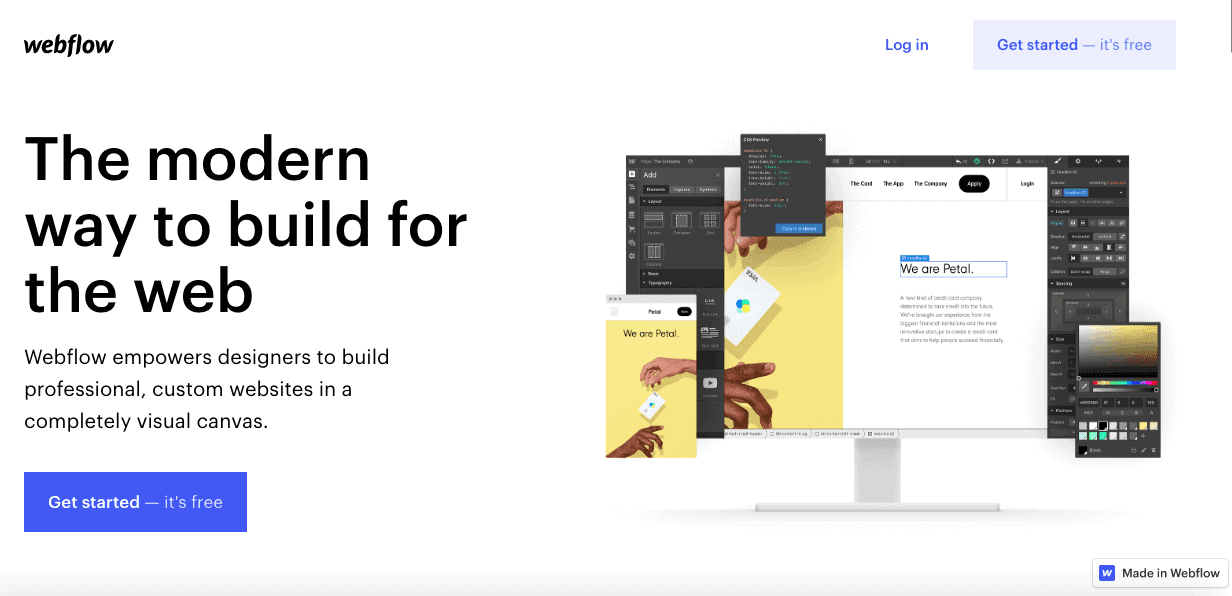
The product itself is like a fusion of a website builder with a CMS. You have complete control to design and build fully-responsive websites, while also being able to customize the mobile versions (unlike with most website builders). You can make sitewide changes directly within the visual editor, without needing to install any plugins.
In that vein, Webflow’s approach is similar to that of Wix Editor X, although we find it to be a little more complicated. Still, Webflow is a lot easier to use than WordPress, and is miles more intuitive.
Another key difference to WordPress is that Webflow can host your site for you. So, you don’t need to use your own hosting provider (or use the more limited WordPress.com).
Also unlike WordPress, Webflow places great emphasis on customer support, offering lots of helpful resources in their Webflow University, including courses, video tutorials, articles, and a user forum.
Who should use Webflow?
Designers, users with advanced technical skills, or those that like to roll up their sleeves and take the time to learn a slightly more complex system
Users who want more customization options than what’s available with a traditional website builder, but still need a bit of assistance
Teams that need to collaborate with others, or with clients. Webflow lets you create Team areas in your account, so you can share your website project, and give permission to others to view/make suggestions or edit the content
Screenshots from Webflow
Webflow Pricing
Prices shown are monthly costs for yearly subscriptions of Webflow’s Account plans. You can also find more info on Webflow’s Site plans and Ecommerce plans here.
Webflow’s Pricing Options
Webflow’s pricing can get a little confusing, but it’s useful to know that they offer two different types of plans, depending on your needs:
Their Site plans are geared to users who need just one site and allow you to connect a custom domain
Workspace plans are designed for agencies or freelancers who need multiple sites, but don’t come with hosting or a customized domain
Their Website plans start at $12/month for the Basic plan and go all the way up to bespoke, enterprise-level pricing. If you need an online store, eCommerce plans are also available.
A free version is available with the Starter Workspace plan, allowing you to build two projects. However, for advanced features, like embedding custom code or exporting your website, you’ll need one of their premium plans, which start at $19/month (Core plan).
Pros and Cons of the Wix Website Builder
. That means if they don’t reach it they’ll have to refund you./sddefault.webp)
Rating Details
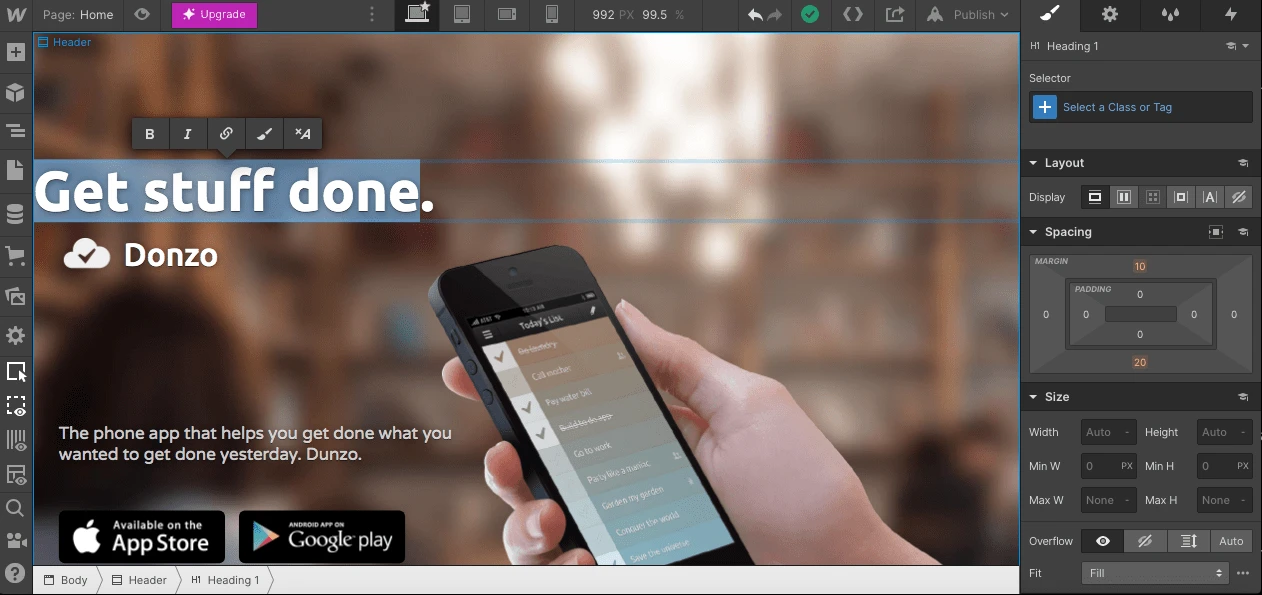
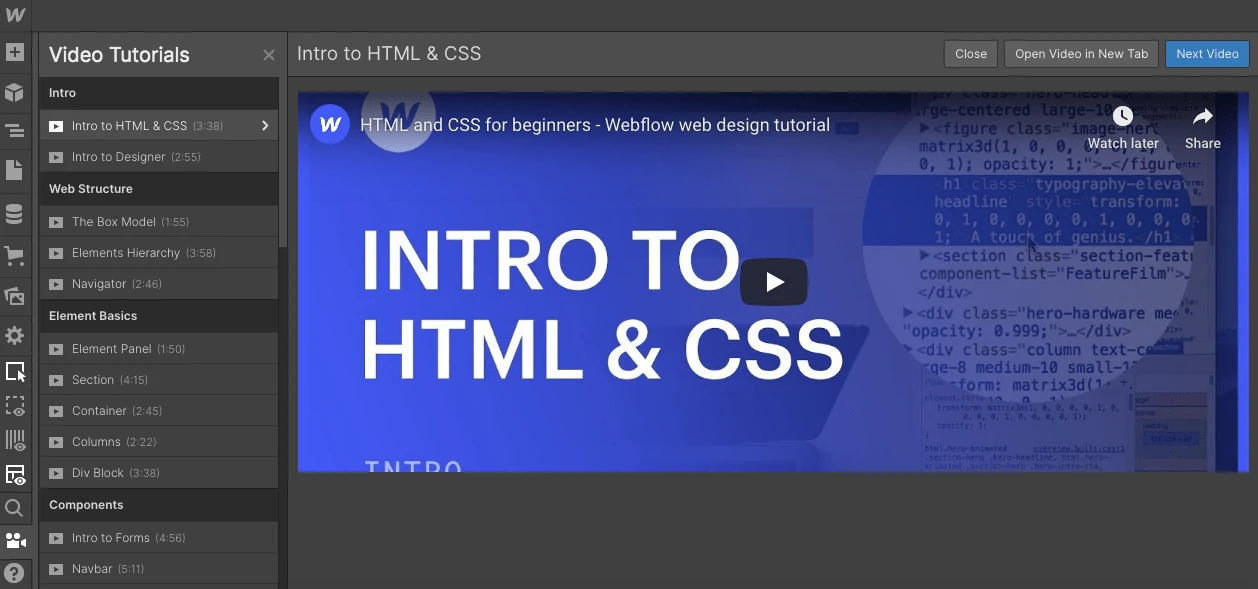
The editor looks similar to Photoshop and includes a lot of functions. It’s therefore a bit more complicated to use than other website builders. Beginners (and even advanced users) may find it overwhelming at first. However, Webflow provides a lot of support material, like video tutorials, articles and a forum, to help give their users the smoothest start possible.
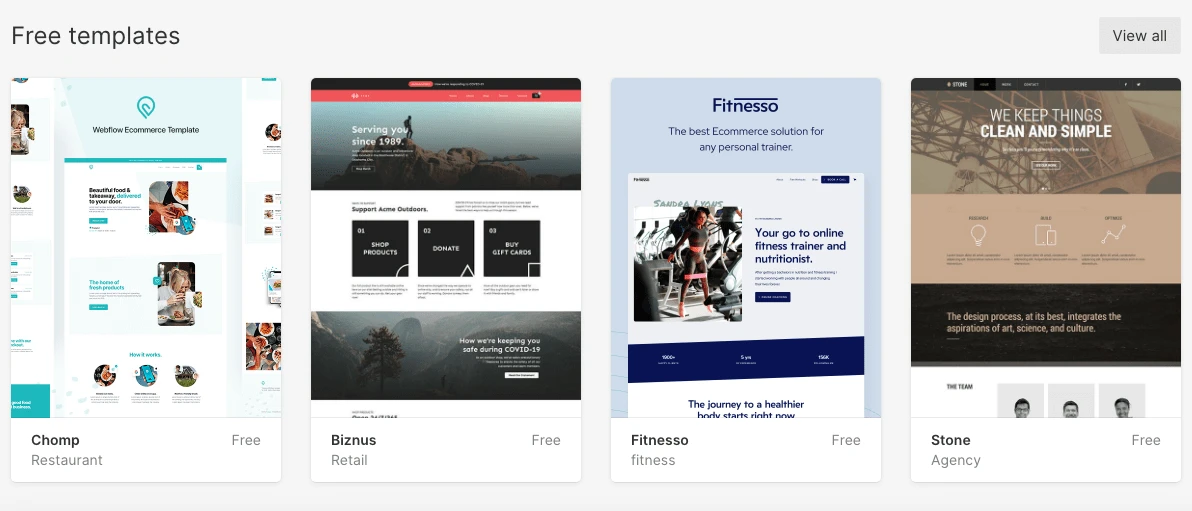
There are free templates available; however most of them need to be purchased (similar to WordPress or Shopify templates). Even then, there isn’t a huge selection available, although they are for the most part modern-looking.
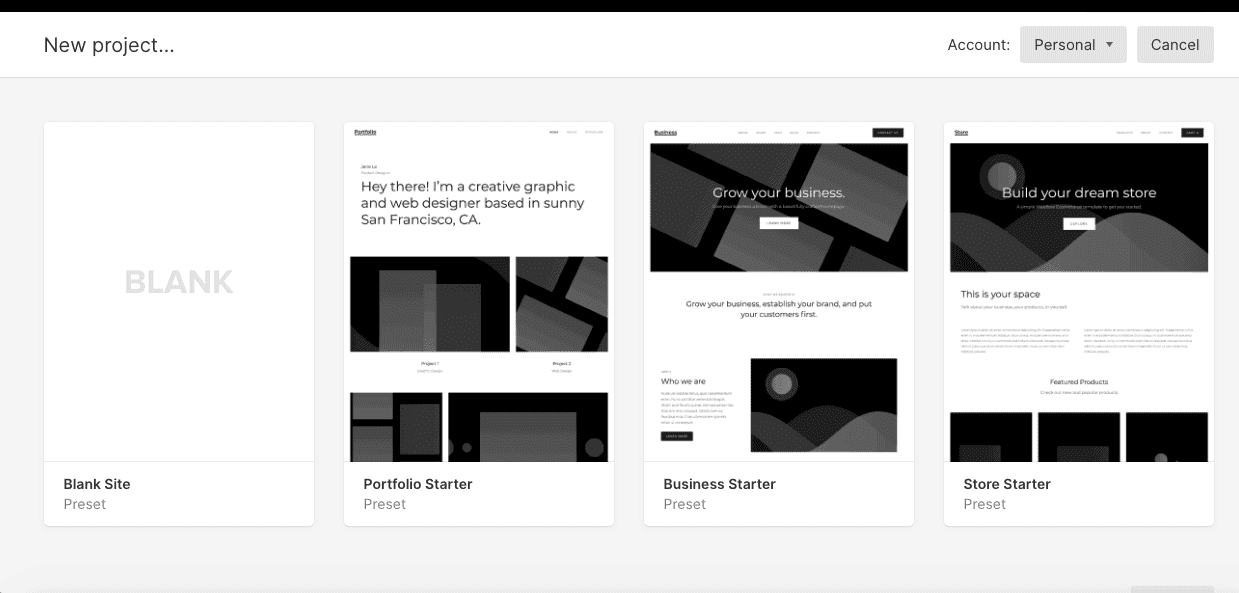
Of course, with Webflow your options aren’t limited to just using a template. You can also use a preset or build a site from scratch, and customize it as you like. The customization is way harder than with most website builders though.
There is an ad in the lower right-hand corner of your website when you have a free plan. Premium plans are ad-free.
You can purchase a domain via Webflow or connect to one from an external provider. This is possible from the Basic plan ($12/ month) onwards. SSL is also included. Email hosting is not directly available, but you can integrate with an external service like Google Workspace or Zoho Workplace.
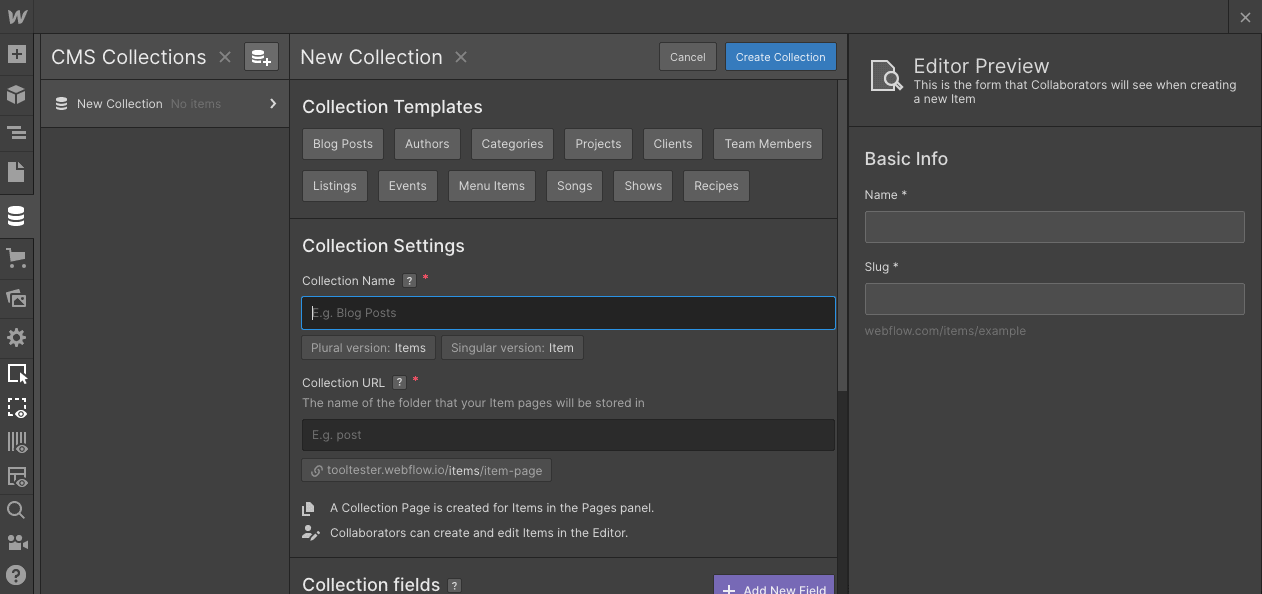
You can save subpages within folders to organize pages on your site, and create a dropdown menu in your nav bar. There are usually no restrictions unless the amount becomes extremely excessive. If you host your site on Webflow, you can, depending on your plan, add up to 100 static pages and up to 10,000 dynamic pages. If you need more than 100 static pages, there is a work-around by creating CMS collections. It’s a bit more complicated though.
As their focus seems to be more on manual, do-it-yourself customization, they don’t really offer built-in widgets (other than a few social media integrations). However there are instructions on how to add some integrations (e.g. with PayPal, calendar tools etc).
No mobile app is available, and it’s not possible to edit your site through a mobile device.
Webflow offers an online store feature that’s directly integrated into its editor. You can determine some settings with the free version, however if you want to start selling, you’ll need to purchase one of their eCommerce plans. Features include automatic tax calculation, PayPal and Stripe payments, and the ability to sell digital goods.
The SEO options with Webflow are good. Aside from being able to edit title, URL and descriptions (and even insert dynamic text), you can also perform advanced functions such as set up 301 redirects, generate a sitemap, and edit your robots.txt file (more info here). For inexperienced users, adjusting these settings might be a bit difficult though.
It’s possible to set up a blog with Webflow, but aside from creating the design, you’ll also have to manually integrate any additional features – media, comments, social sharing etc. In the end, this also gives you a lot of freedom regarding customizations, but it’s also quite a bit of work.
You can integrate Google Analytics to keep track of your visitor statistics.
You can protect one page, single pages, collections (content types) or even your entire website with a password. It’s even possible to change the design of your password protection page. Internally, you can add a “Teams” area in your Webflow account to collaborate with other team members.
With the Memberships feature, it’s now also possible to add members-only areas, e.g. for allowing customers to self-manage their accounts, or for accessing subscription-only content.
There is no newsletter tool included, but you can integrate with external email marketing services like Mailchimp, GetResponse etc.
Absolutely, yes! Users can add HTML code via the embed feature in the editor. Be aware that this is only possible with a paid plan, though.
There is actually no limit when it comes to storage space. Restrictions could only take place if the amount of data was excessive, which, according to Webflow’s support, usually doesn’t happen, though.
Webflow has an integrated backup function, so you can save and restore an older version of your website. With the free Starter plan you can save up to 2 backups, while the Premium plans allow you an unlimited number of backups.
Webflow offers a great variety of video tutorials, detailed step-by-step guides and courses/lessons via the Webflow University. You can download eBooks on relevant topics for free. Pretty awesome! There’s also a forum, where questions seem to be answered pretty frequently. However, the only personal support they offer is via email, and this is only available Mon-Fri.
Whether or not you’ll have fun with this website builder depends on your level of expertise (or endurance). Experienced users will very likely appreciate its flexibility and customization options. Beginners on the other hand need some time to figure out how the editor works. It’s great they provide a lot of helpful material though.
0.0
Webflow is an excellent tool that combines powerful CMS features with those of the more classic website builders – offering a wide range of possibilities. It can be a facilitator for experienced users and professionals wanting to move away from WordPress to a more straightforward solution. However, inexperienced users may be put off by the sheer amount of work required to get a site off the ground.
Webflow Review: Conclusion
If you find yourself limited by traditional website builders, but don’t want the hassle of development-heavy platforms like WordPress, Webflow could be the right tool for you.
Offering the best of both worlds, it’s ideal for those who want more options for customization than you’d get with the likes of Wix and Weebly. And although it’s loaded with features, we still find it to be a more intuitive solution than WordPress, thanks to the fact that changes are made via a visual editor, rather than through code.
Where can they improve? We’d love to see more out-of-the-box features integrated, such as multilingual sites. And their pricing could be spelled out a little clearer.
So, while we don’t think WordPress’s limitless range of themes and plugins will be rivalled any time soon, we do feel like Webflow offers a simplified yet capable alternative – and some pretty strong competition.
Is Webflow the right website builder for me?
Recommend If
Not Recommend If
You’re a designer, developer or marketer who needs the powerful features of a CMS presented in a visual editor. It’s especially useful if you design websites using Figma, as the Figma to Webflow plugin will automatically convert your designs into a fully-coded site
You’re a designer, developer or marketer who needs the powerful features of a CMS presented in a visual editor. It’s especially useful if you design websites using Figma, as the Figma to Webflow plugin will automatically convert your designs into a fully-coded site
You want to try an alternative to WordPress
You need a lot of customization options, without the need to fully code your site
Example Sites
Webflow User Reviews
0.0
522
414
32
21
10
Very user friendly & efficient for a small business owner
Wix made it easy to upgrade our company website.
Apps don't work as they are supposed to
Very cool!
Has a bit lack of features
FAQ
Is it possible to monetize my Webflow site?
It’s possible to embed custom code to use Google Adsense. On paid plans you can also build ads within Webflow itself. You can also add a gated members area to offer paid content (such as videos, courses, or ebooks), with multiple subscription tiers available.
How well is Webflow doing in terms of web accessibility?
Webflow is making huge strides with accessibility, making it a bigger priority than a lot of the other website builders we’ve reviewed. By offering its own accessibility checklist, auditing tools, resources and tutorials, and even ready-to-go elements that are fully keyboard and screen reader accessible, you can ensure that your website is compliant with the latest guidelines and regulations. Learn more about Webflow accessibility.
Is Wix legit?
Webflow Alternatives
Squarespace targets a similar user group. It’s more user-friendly and also features a great solution for professional bloggers. Another advantage is the very advanced ecommerce store. However, Webflow provides a far better solution if you want to create websites for clients. Learn all about the differences to Webflow here.
Another alternative is Wix. Similar to Squarespace, it’s much more intuitive to use. An added benefit is also the Wix App Store, which lets you pick from a huge variety of external applications to add to your site. Webflow is much more flexible, though, and generally a better pick if you don’t mind a technical challenge. Read more in our Webflow vs. Wix article.